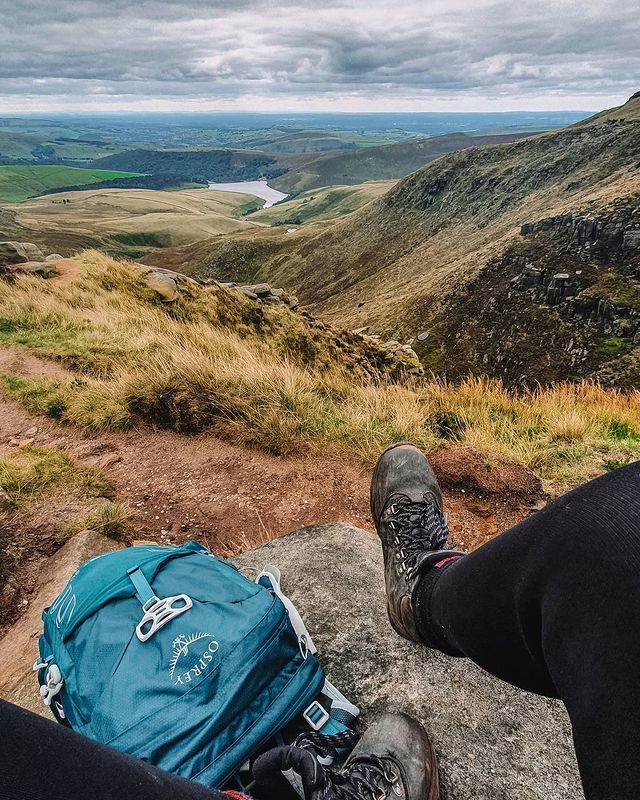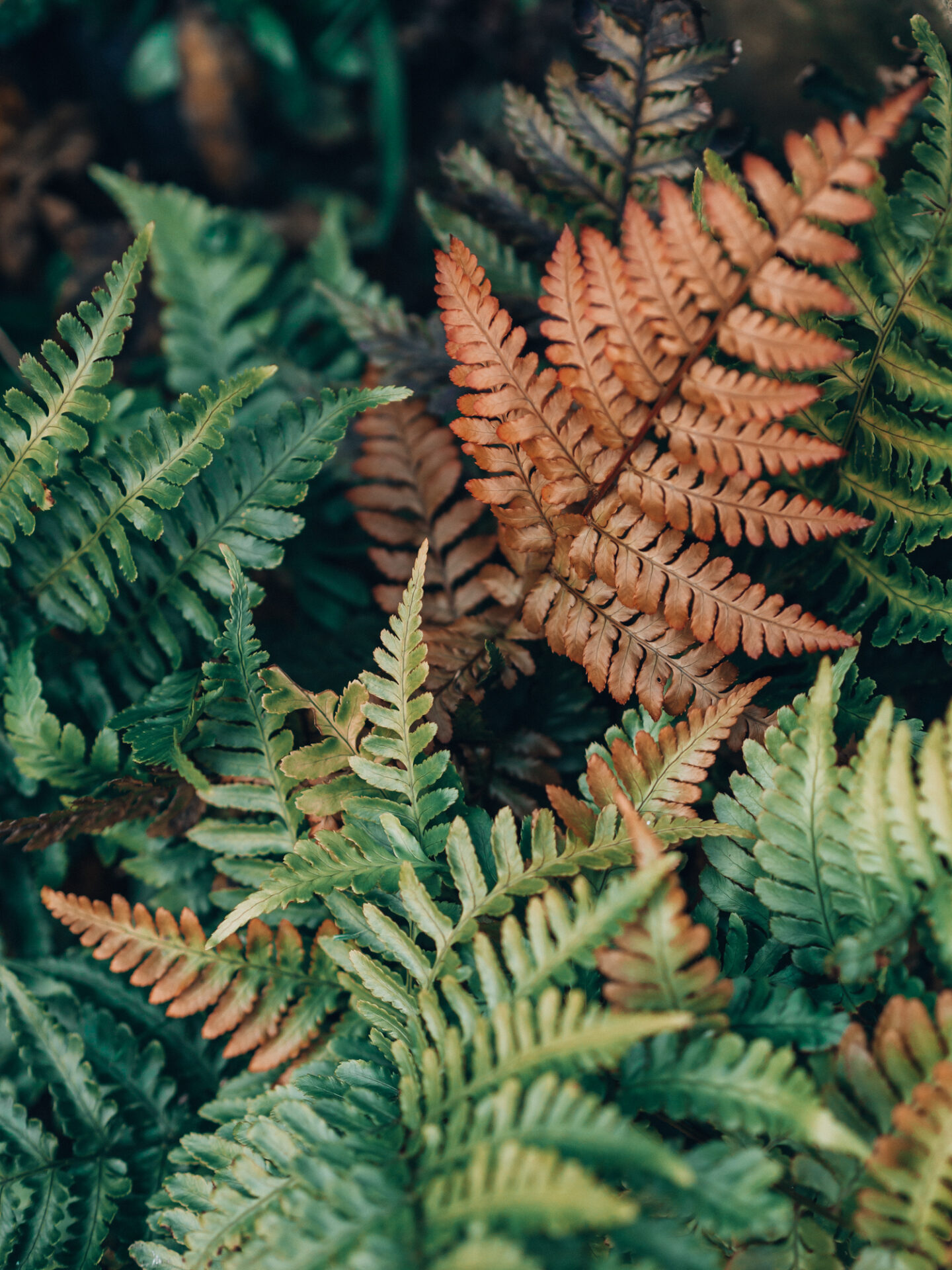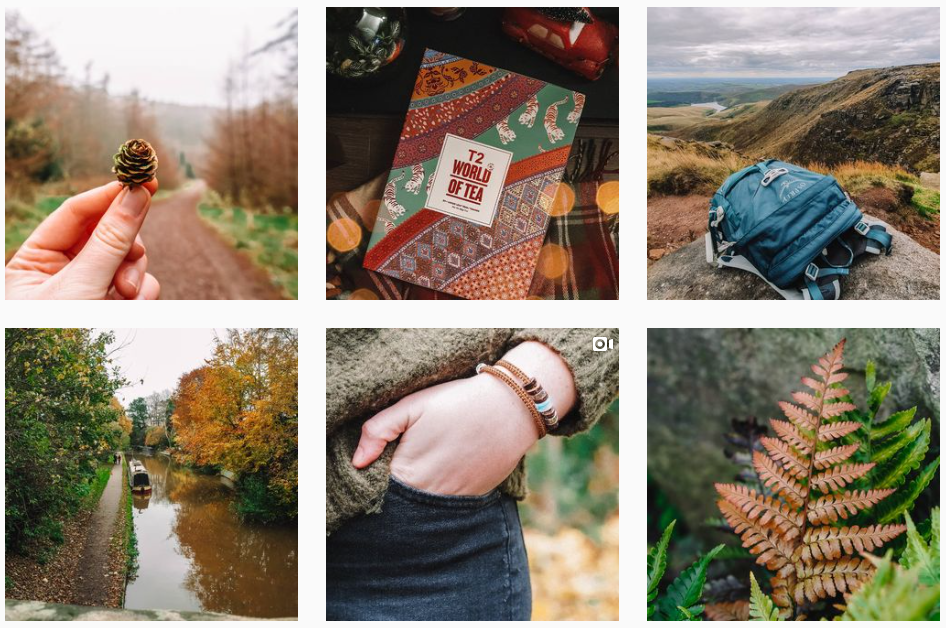
If you’re looking to improve Instagram photos, these apps might just help you to get that little step up. You will find so many different styles of photography on there now, from portraits to products, from cool travel photos and stunning landscapes to photo edited creations.
Places and things can be interpreted in so many different ways through a camera, and through the editing process. There’s no doubt now that a well curated feed does help to draw more followers in. Most of the really popular accounts have either found a specific niche or a very particular style of edit and it makes them stand out.
There are a few different apps that can help you to find your photography editing style, whether that’s through basic edits, doodling, colour changes or even video creation. Here’s some of my top picks:
Mobile Apps For Editing Instagram Photos
#1 – Adobe Lightroom
Adobe Lightroom is free to use on mobile, and has such good photo editing tools without being overly complicated. Basic changes such as exposure, contrast, colours, and distortion are really useful to help bring out the best in your photographs.
Healing and cloning is possible in this app, however I personally think it is quite fiddly to do so (unless you have a pen/stylus) and I prefer photoshop for that.

You can also load mobile presets into the Lightroom app so you can keep your editing consistent across all your Instagram photos. I use presets regularly, but will also go into the settings and fine tune each photo until I’m happy with how it looks.
#2 – Adobe Photoshop
Adobe Photoshop Express is similar to the web application, however is obviously a little stripped down. I find the healing tool much easier to use in this application.
It has all the basic editing tools, you can add text to your images and you can also add some random efforts from their selection.
Adobe Photoshop Mix is a different app that allows you to combine and cut out images and you can also do basic adjustments in there too. This one is good for when you are wanting to blend two images together.
#3 – Meitu
Meitu has a lot of different options, including photo editing, portrait retouching, video editing and photo collage making.
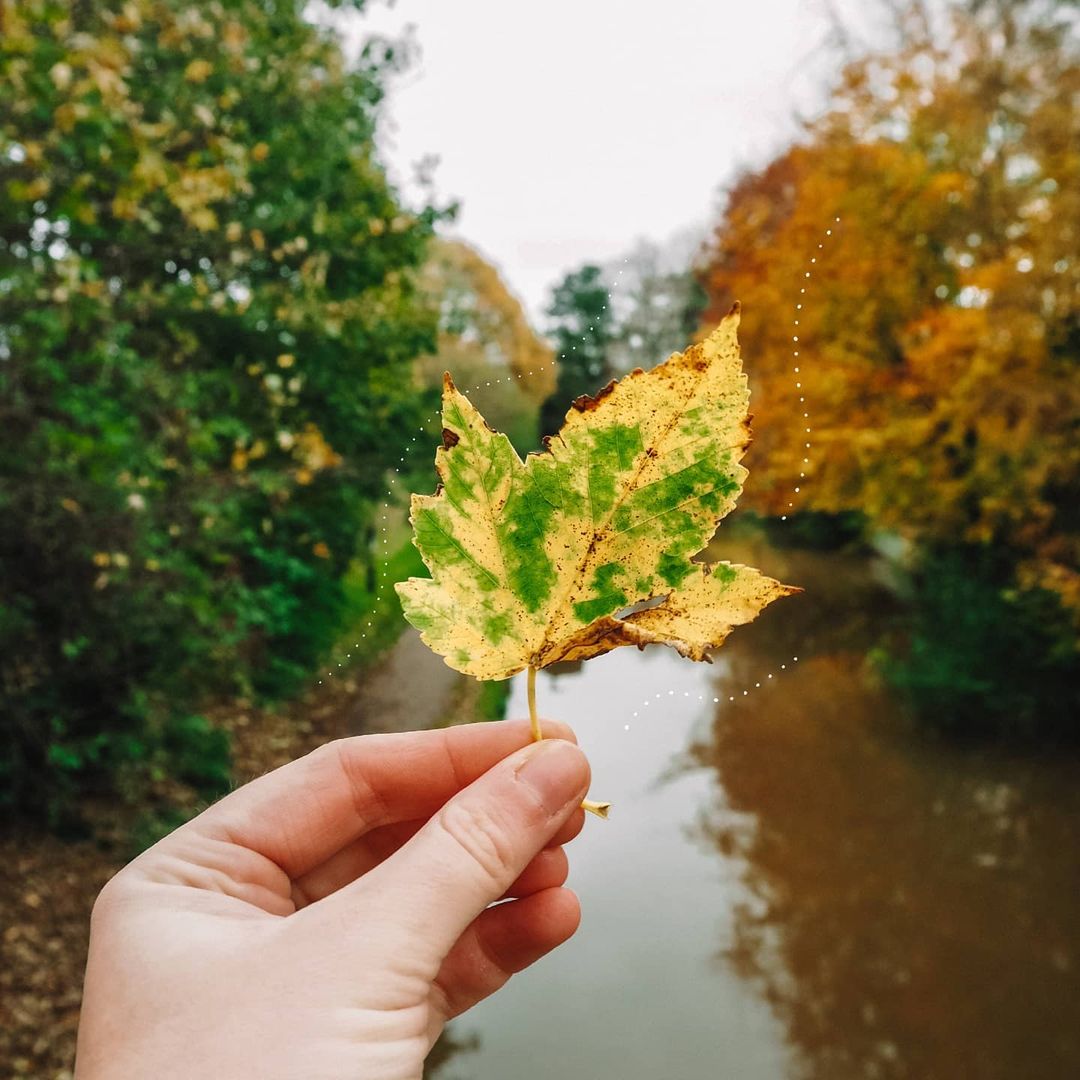
Within the photo editing section, you can use a tool called magic brush, and this gives you loads of random graphic options to add to our photos. It’s an easy way to get some doodles on there if you’re not particularly arty.
I mostly use it to add lines or bokeh or random dots/lines like below, but you can add all sorts of things in here.

Video Editing Apps
#4 – Adobe Rush
This mobile app is a video editing tool, perfect for creating content for IGTV or Reels – both of which are doing well in the current Instagram algorithm. This is quite a basic editor, but it does the job. You can use all the generic video editing tools such as splitting, changing speed, changing the audio, fixing colours etc. You can also add text and overlays and you can change the aspect ratio to ensure it is the perfect size for Instagram too.
#5 – InShot
Another video editor, this is similar to Adobe Rush. Inshot however has the option to add stickers and the text tool is easier to use. I think both apps are equally as good and I would have a look at each one to see which interface you prefer.
Other Tools For Improving Instagram Photos:
#6 – Preview
Preview is an app that allows you to plan out your Instagram feed. You can collect all the photos you’ve taken and organise them so they look cohesive within your grid. Preview also allows you to write in captions and has a scheduling tool.
It’s a good way to store up images that you want to upload but aren’t really sure when you will post them, because then you can see what content you have available. You can also plan Reels in the free version. The Pro version allows you to plan IGTV.
For me half the fun of taking photographs and wanting to share them is also making everything look good together afterwards. As you would in a gallery. Curating your Instagram feed will help to make everything more cohesive and appealing to the eye – which is what may help you to get that follow.
#7 – PhotoTime
This one is slightly different to the rest, but it’s an app that tells you the specific timings for sunrise and sunset, and the blue hour and golden hour each day.
Really useful if you’re looking for specific lighting or if you just want to know how many hours of lighting you have left. It is quite basic on the free version, but those timings are useful as a daylight guide.
I use this on android but I believe it is available on ios too.
#8 – Canva
This is a popular one for graphics, especially Pinterest pins. It’s also great for creating stories for Instagram. The app is really simple to use and has some great templates for all kinds of social media posts or documents.
Make sure you make those templates your own though. Change the colours, change the text and add photos. If not, they will look very generic with others having the exact same layout/colour scheme.